
Workflows overview
Workflows are the platform’s automation layer. Whenever something needs to happen in a set order with tasks, approvals, and emails, it runs through a workflow. Onboarding new starters, processing employment changes, handling exits, and even chasing outstanding contracts all use the same engine.
Two kinds of workflow
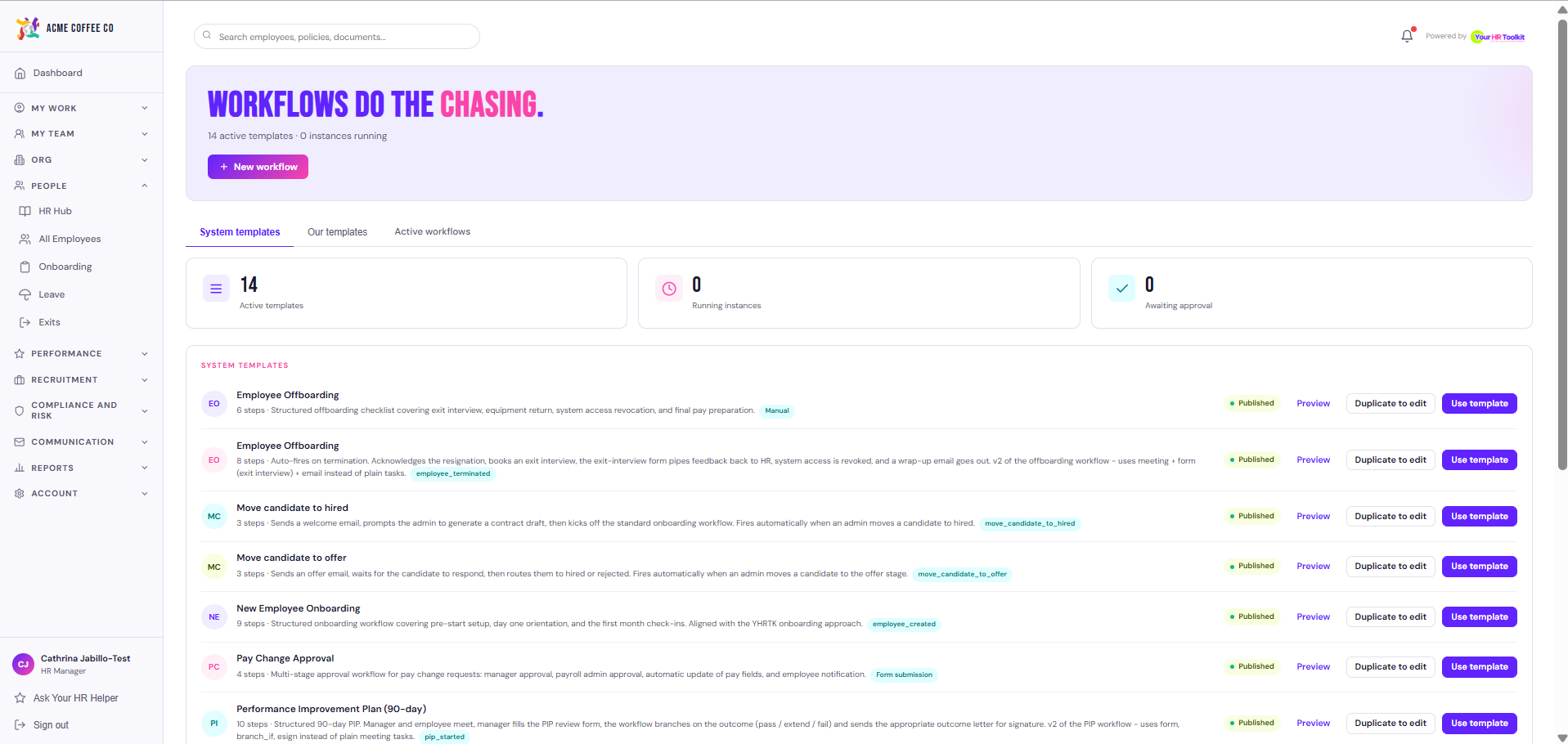
- System templates. Built and maintained by Your HR Toolkit. They cover the common HR processes (onboarding, offboarding, change form). You can read them but not edit them.
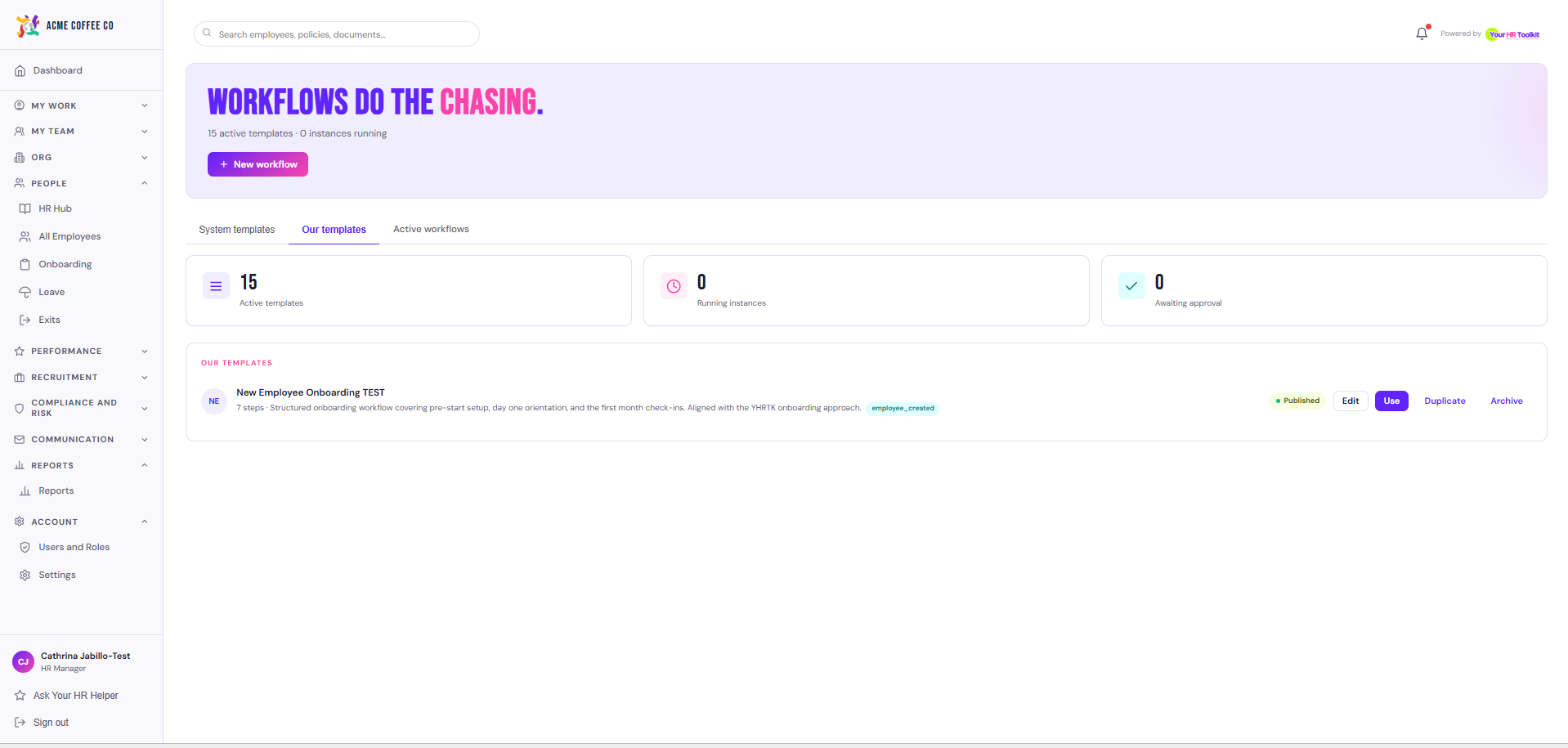
- Our templates. Yours. Edit, duplicate, or build from scratch. The platform uses your custom version automatically when one exists.
Where workflows live
- Sidebar then Workflows.
- The System templates tab lists what ships with the platform.
- The Our templates tab lists ones your organisation has built or customised.
- Active workflows shows every running instance across your org and what step each one is at.
When a workflow fires
Workflows kick off automatically when their trigger event happens. Adding a new starter, submitting an employment change, starting an exit, or publishing a form with workflow trigger enabled all spawn the right workflow without anyone having to do anything by hand.
You can also fire one manually from a workflow template’s detail page. That is useful for testing, or for backfilling an instance for a starter who joined before the workflow existed.
Tasks, approvals, and emails
Each workflow is a sequence of steps. A step can be:
- A task assigned to someone (employee, manager, HR, IT).
- An approval that pauses the workflow until someone approves or rejects.
- An email sent on a specific day relative to the trigger date.
The engine moves to the next step automatically as each one is completed.
Who can do this
Admins build and edit workflow templates. Managers approve their team’s steps. Employees complete their own tasks from My Tasks.