
Find your way around the platform
The sidebar on the left of every page is how you get around. What you see depends on your role: an admin sees more sections than a manager, who sees more than an employee. Here’s the full layout, with notes on who sees what.
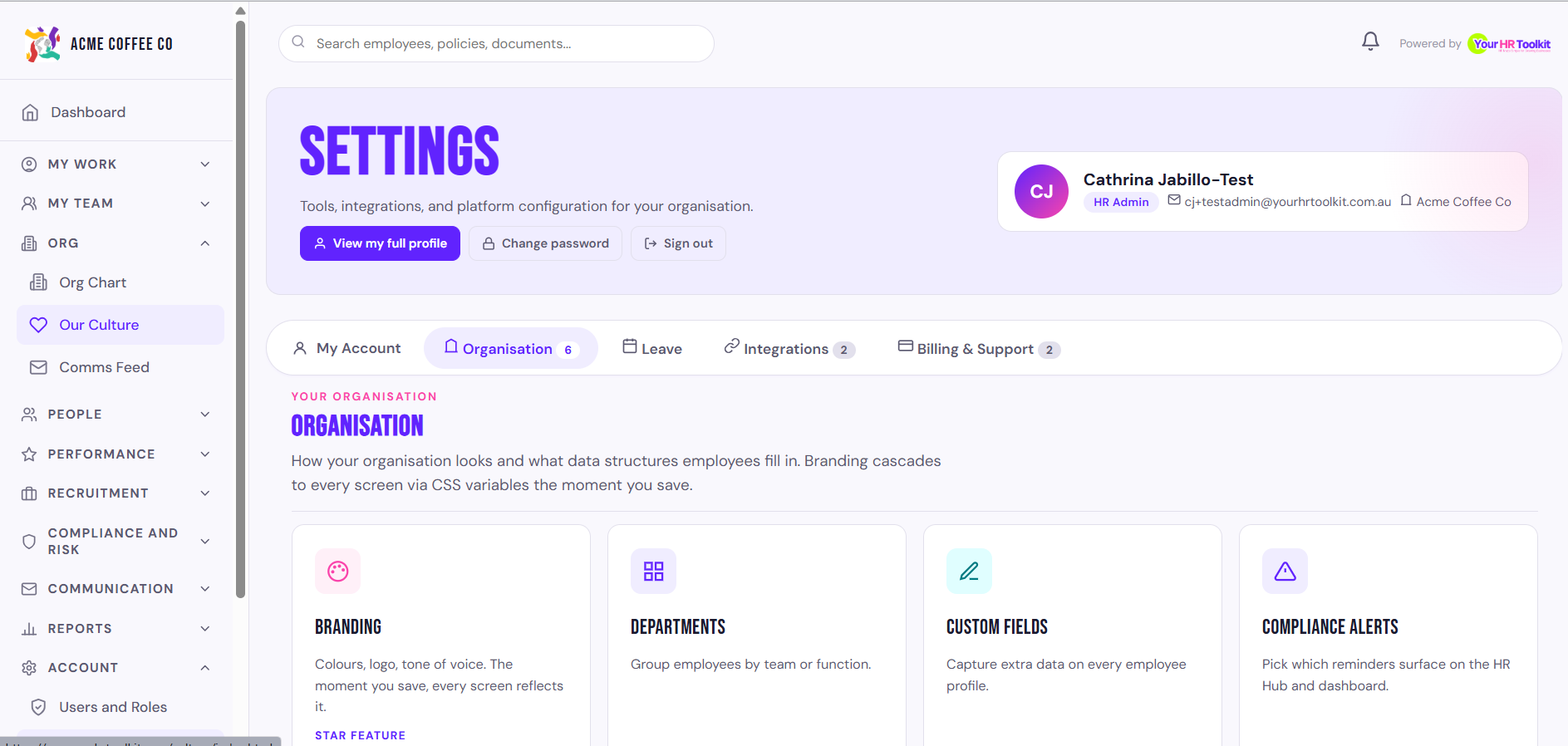
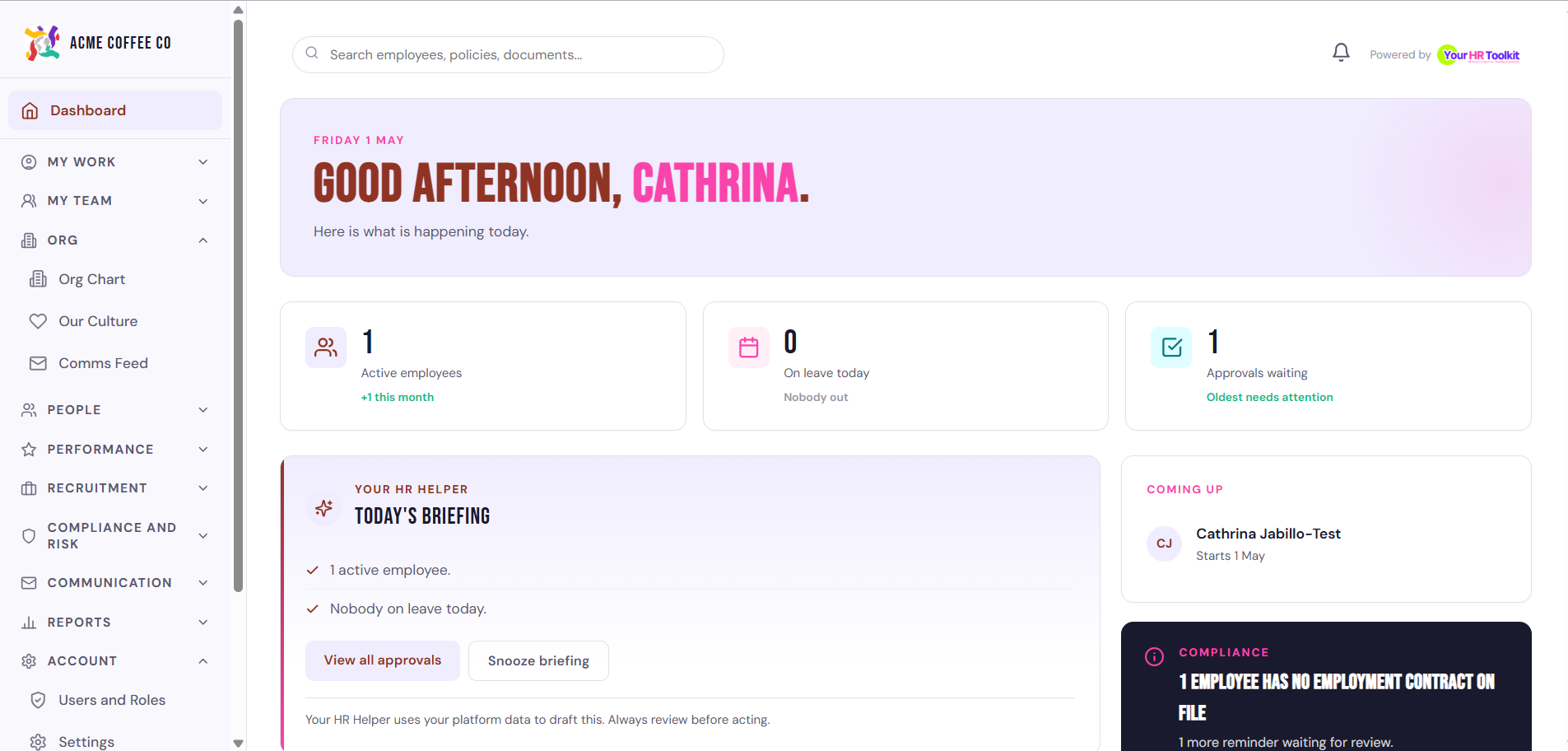
Main
Visible to everyone.
- Dashboard. Your role based homepage. Open tasks, things waiting on you, your culture and team highlights.
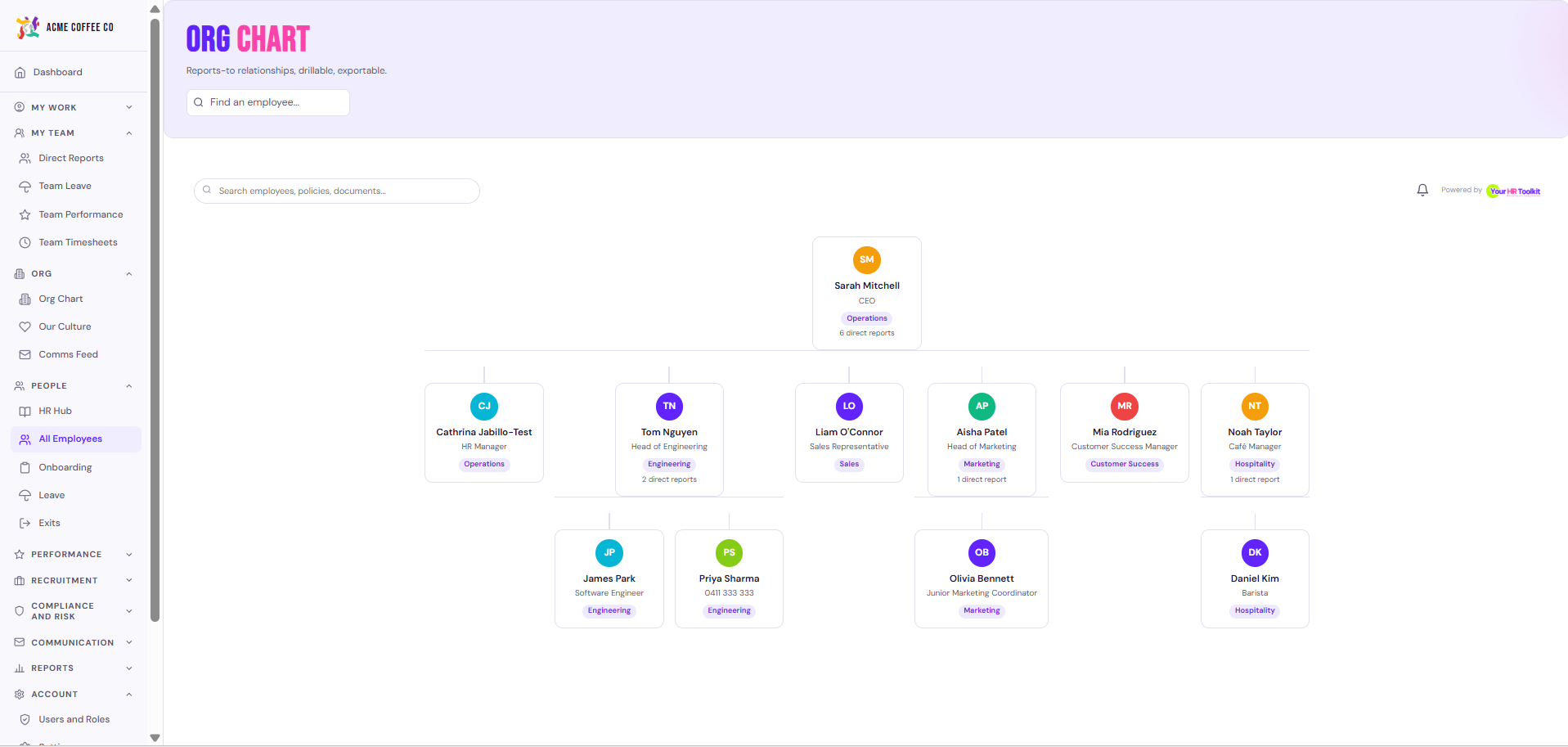
- Org Chart. A visual chart of who reports to whom across the organisation.
- Our Culture. Your organisation’s cultural values, mission and the Culture Action Plan. See View Our Culture page.
My Workspace
Visible to everyone. Your personal space, the things that belong to you.
- My Tasks. Every workflow task, approval, signature, and survey waiting on you in one inbox.
- My Leave. Leave balances and request history. Submit new requests.
- My Timesheets. Clock in and out, submit timesheets, see history.
- My Documents. Documents shared with you (contracts, policies you’ve signed, performance documents).
- My Policies. Policies assigned to you that may need acknowledgement.
- My Surveys. Surveys you’ve been invited to complete.
- Comms feed. Org wide announcements, shoutouts, and your daily digest.
Management Hub
Visible to managers and admins.
- My Team. Your direct reports’ info, leave approvals, performance.
- Performance. Hub for goals, reviews, and 1:1s.
- Goals. Direct shortcut to the goals and OKRs view.
- 1:1 Meetings. Scheduled and past 1:1s.
- Reviews. Performance review cycles and individual reviews.
HR Hub
Visible to admins only. The HR admin’s working area.
- HR Hub. Your homepage with foundation cards (employees, onboarding, exits, comms, etc.)
- All Employees. Full employee list. Add, edit, bulk import, invite.
- Onboarding. Active onboarding, progress, and workflow configuration.
- Exits and offboarding. Active exits and the offboarding checklist.
- Comms. Email template library, sender, and the comms feed configuration.
- Performance Management. Register of formal performance matters (warnings, PIPs, records of discussion).
- HR Document Library. Browse every template, policy, and reference doc.
- Contracts outstanding. Tracker for employees without a signed contract.
- Compliance calendar. Scheduled compliance work.
- Public holidays. State based public holiday observance settings.
- Users and Permissions. Platform users and roles.
Tools
Admins and managers (where indicated).
- Workflows. Build and monitor automation templates.
- Forms. Form builder, published forms, and submissions.
- Surveys. Engagement, 360 feedback, exit interview surveys.
- WHS. Work Health and Safety: incidents, risk assessments, workers comp cases. (Admins, plus WHS access role.)
- Recruitment. Job pipelines, candidates, interview guides, reference checks. (Managers + admins.)
- Reports. Headcount, leave, payroll, compliance, plus the AI Helper for ad hoc questions. (Admins only.)
- Resources. Resource library of calculators, conversation guides, and templates.
Account
Visible to everyone.
- Notifications. Bell icon + dedicated page. Everything the platform has alerted you about.
- Me. Your details, work pattern, pay and super, my performance.
- Settings. Your password, 2FA, notification preferences, and (for admins) org branding, awards, integrations, billing.
Tips
- The sidebar is fixed on the left and stays visible as you move between pages.
- The Dashboard is the safest fallback if you feel lost.
- The Ask YHRTK button at the bottom right of every page is your fastest way to find a specific feature. See Use Ask YHRTK.