
Tour the employee profile
The employee profile is the central record for any one person. It has nine tabs across the top. Here’s what each one holds and who can edit it.
Open a profile
- Sidebar then Employees.
- Click any row.
The profile opens on the Personal tab by default.
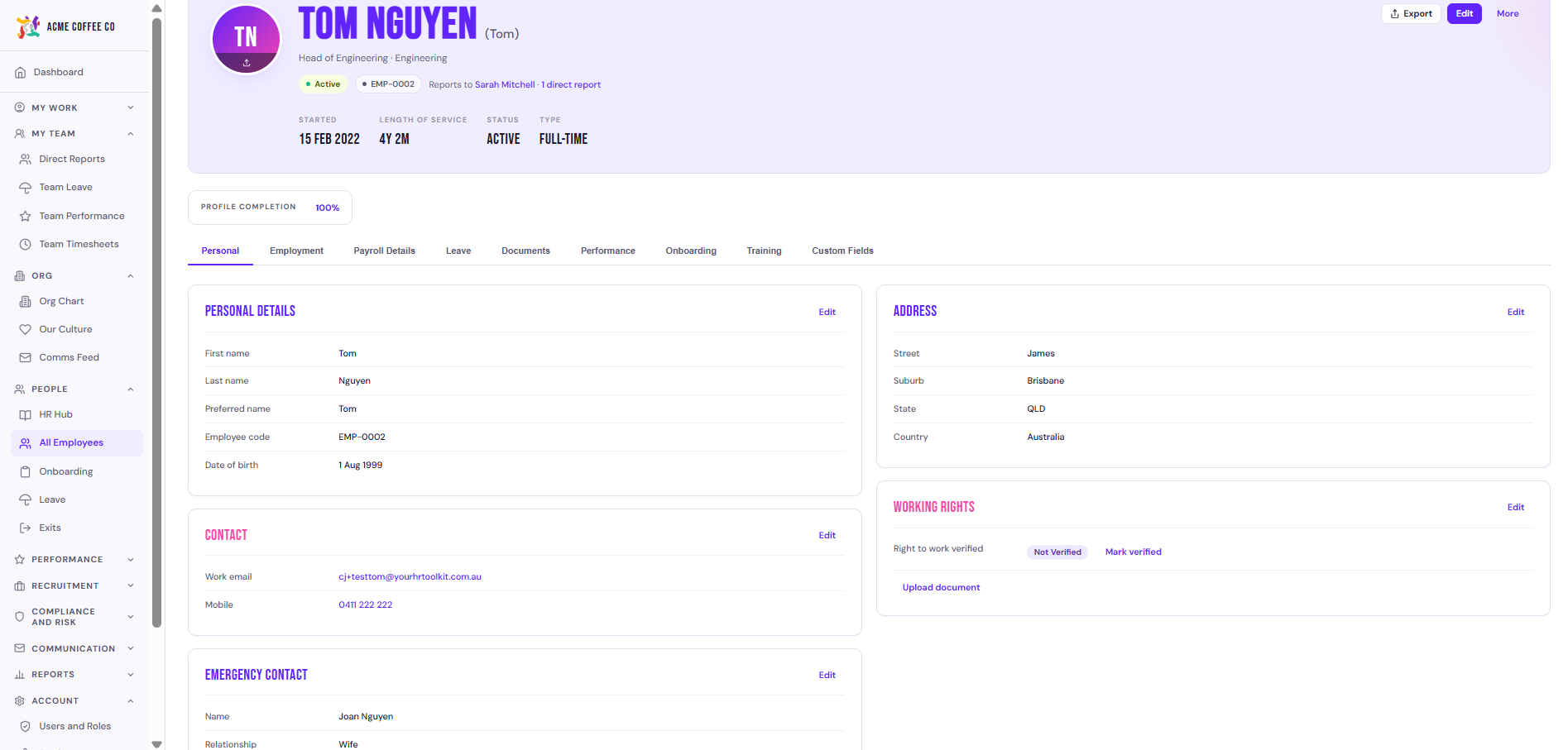
Personal
Names, contact info, date of birth, gender, residential address, photo, pronoun, emergency contact.
Editable by admin and (for some fields) the employee themselves via My Details.
Employment
Job title, department, reporting manager, employment type (full time, part time, casual, contractor), status (Active, Onboarding, Offboarding, Terminated), start date, primary work location, primary work state.
Editable by admin only. Changes here often need to be done via Log an employment change so the right workflow fires.
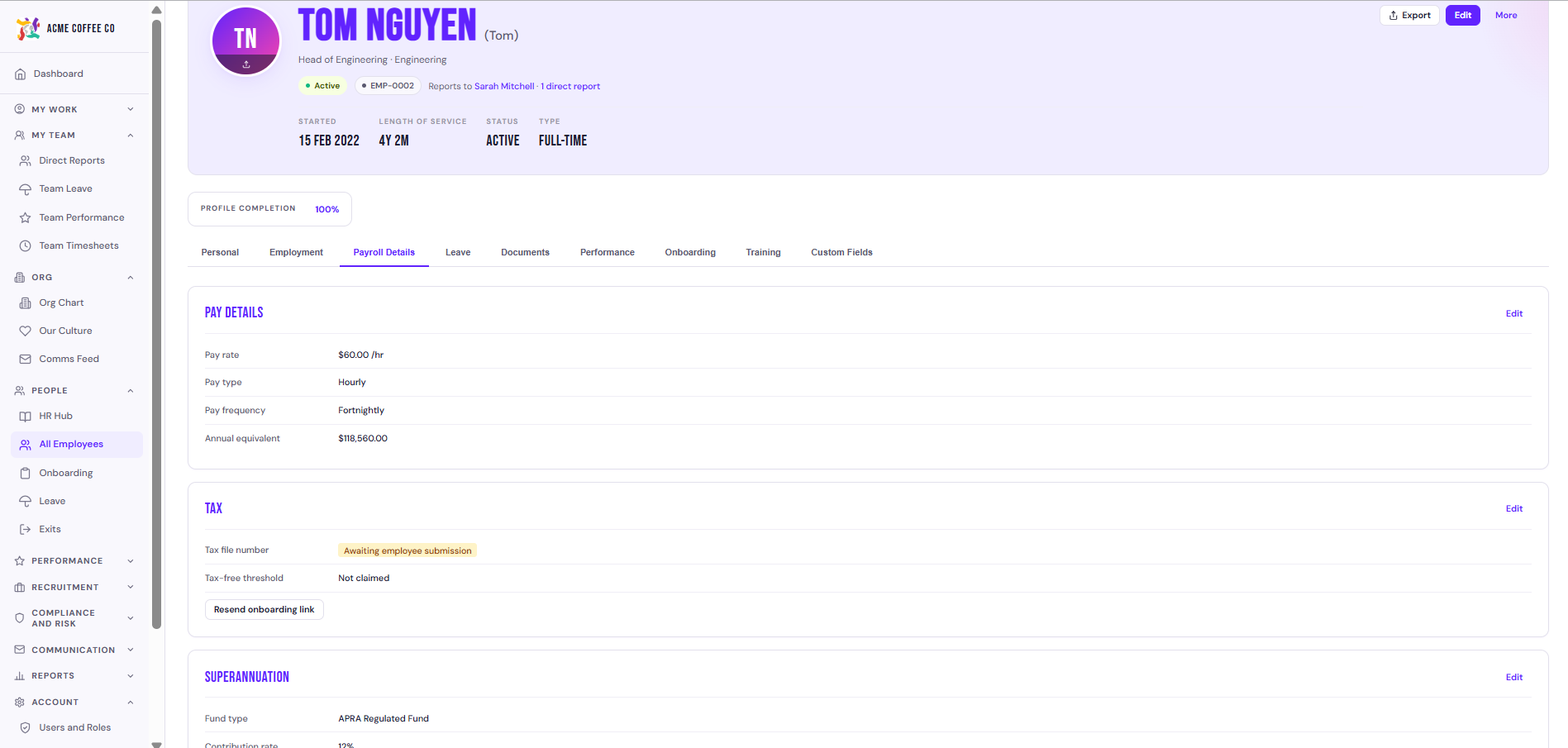
Payroll Details
Pay rate (annual or hourly), pay frequency, pay group, modern award classification, FWC compliance status, tax file number (encrypted), tax residency, basis of payment, super fund details (including SMSF if applicable), bank details (BSB, account number).
Editable by admin. The TFN field is masked on display and only editable through the dedicated TFN Declaration flow.
Leave
Leave balances by type, leave history, work pattern, policy group membership, accrual log.
Editable by admin (balances can be overridden, but every change is logged). Employees see the same data on My Leave.
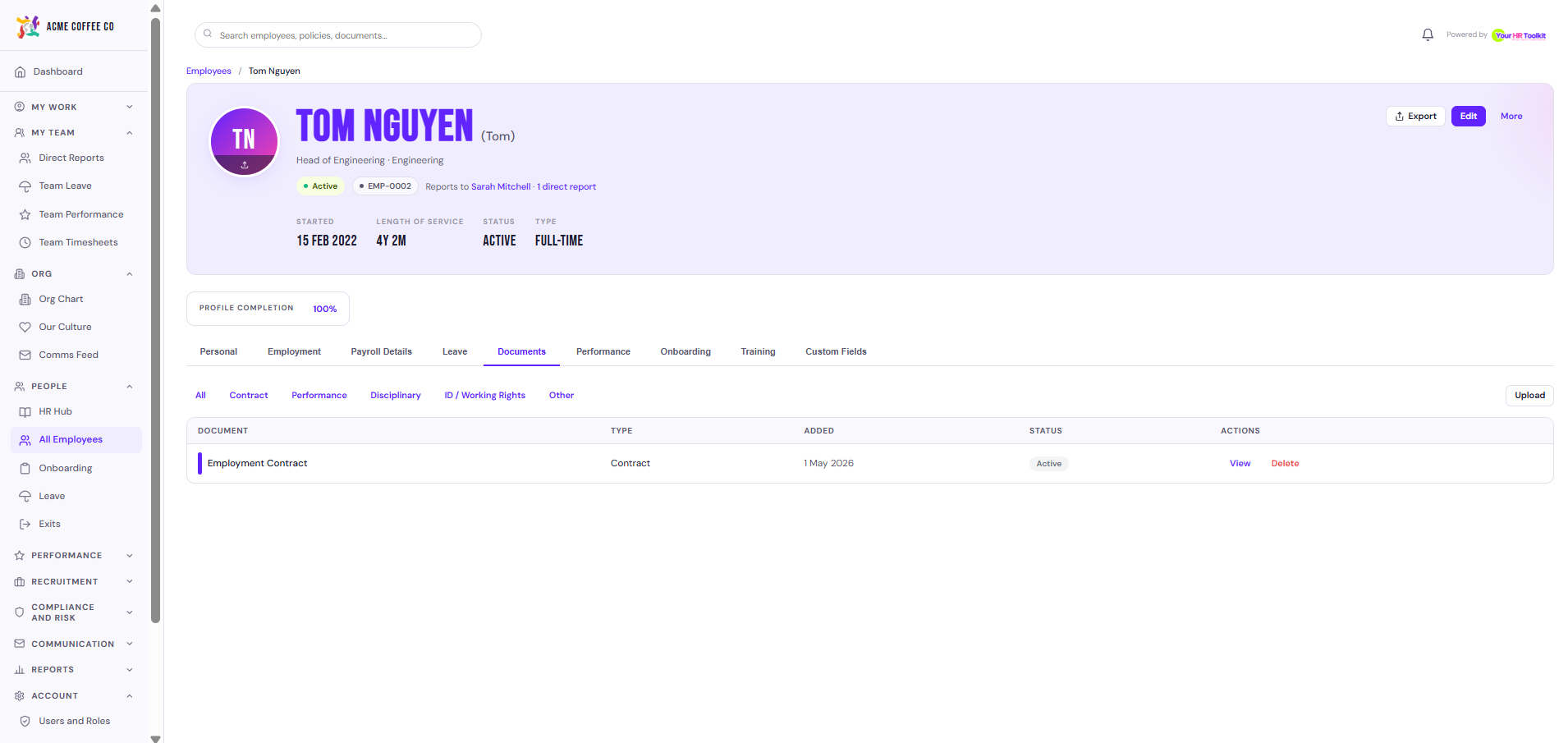
Documents
Every document attached to this employee: contract, policies they’ve signed, performance documents, certificates, ID copies. Each row shows the document, status (signed, acknowledged, awaiting), date issued, and date actioned.
Add documents from the Generate document button or upload directly with Upload document.
Performance
Goals, 1:1 notes, completed reviews, ratings history, formal performance documents in summary form (full detail under the Performance Management hub for admins).
Editable by manager and admin.
Onboarding
Active or completed onboarding workflow for this employee. Shows tasks complete vs outstanding, who owns each task, and what’s next.
If their status is Onboarding, this tab is the live tracker.
Training
Training records: required courses, completed courses, expiry dates (for licences and certifications), upcoming renewals.
Editable by admin and manager. Employees can upload their own certificate copies for verification.
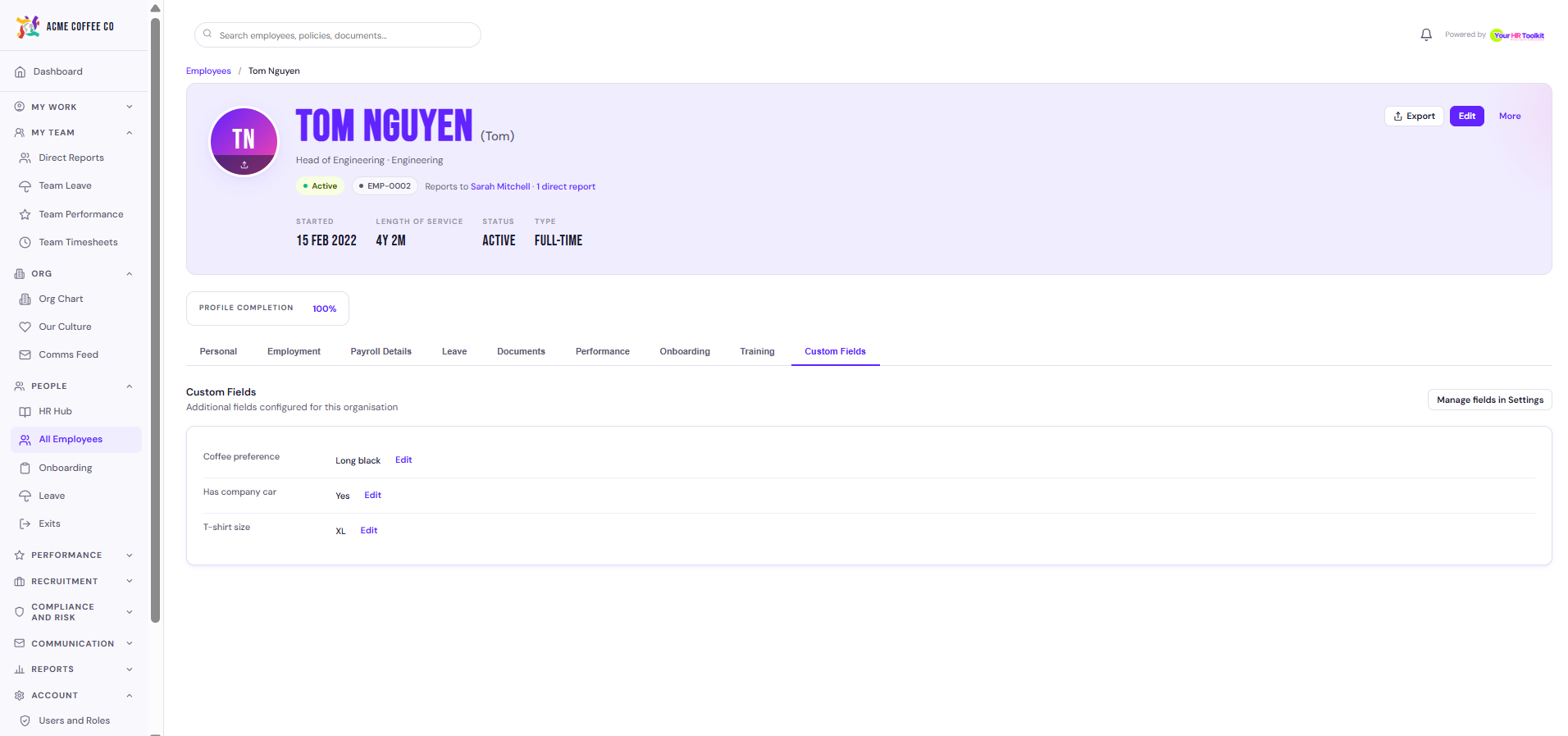
Custom Fields
Any custom fields your org has added under Settings then Custom fields appear here. Useful for things like team colour, t-shirt size, work van rego, food allergies.
Editable by admin.
Footer actions
Across the bottom of the profile you see actions:
- Generate document opens the document generator with the employee preselected.
- Send invite if they don’t have a platform login yet.
- Log employment change for promotions, transfers, contract variations.
- Start exit if they’re leaving.
Privacy and access
- Admins see every tab and can edit most fields.
- Managers see the profile of their direct reports, but with payroll details masked.
- Employees see their own profile via the Me menu, with the same tabs renamed (Personal becomes My Details, etc.).