
Upload an existing document to an employee's record
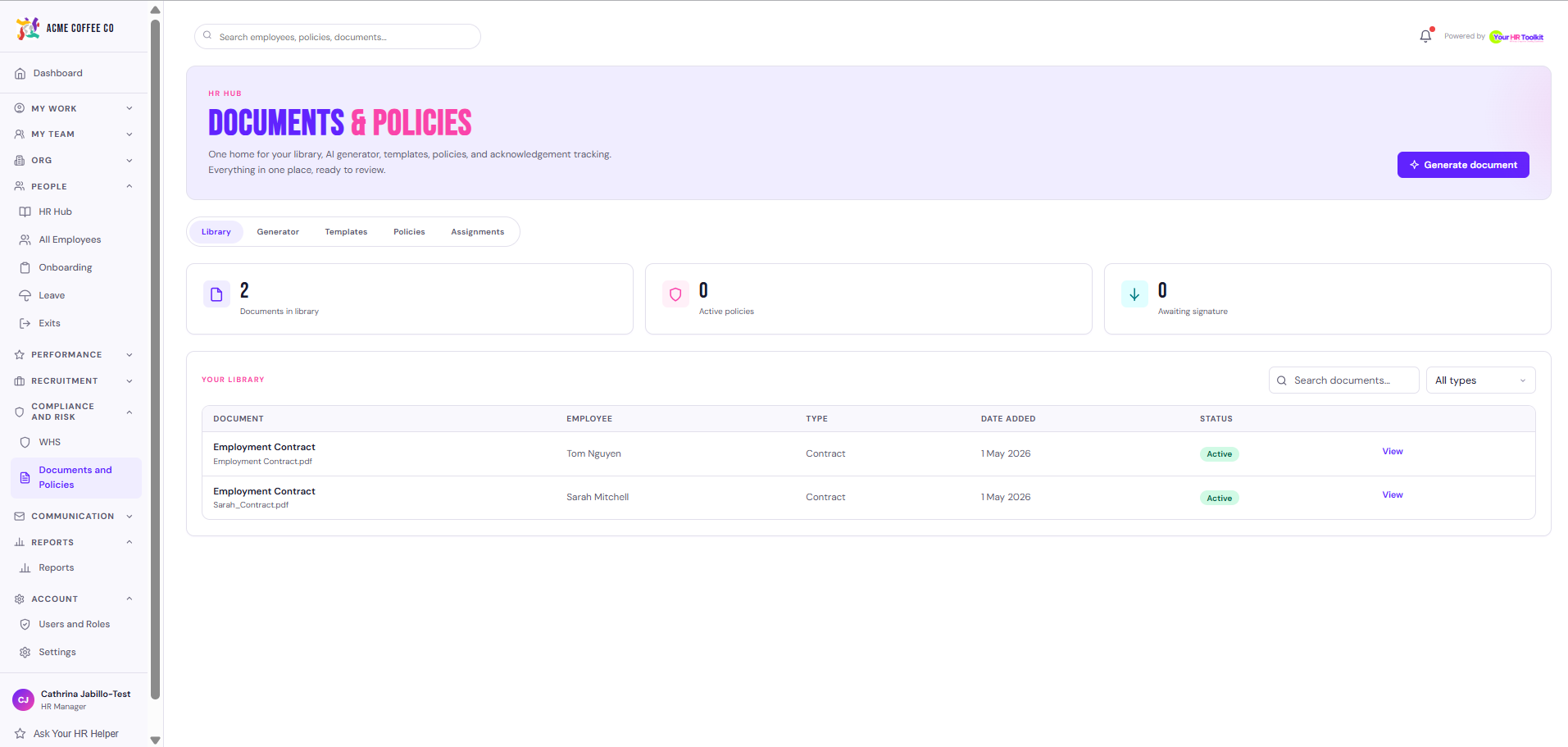
If you’ve already got a document (a signed contract from before the platform, a certificate, a medical clearance, an ID copy), upload it straight to the employee’s record so it lives with the rest of their file. Once uploaded, the file lives in the Library tab of the Documents hub alongside everything else on file in your org.
Upload a document
- Open the employee’s profile.
- Click the Documents tab.
- Click Upload Document.
- Pick the file from your computer. Accepted formats: PDF, DOC, DOCX, PNG, JPG, JPEG, XLSX, CSV.
- Choose a document type. Options:
- Contract
- Payroll Documentation
- Onboarding
- Performance
- Disciplinary
- ID / Working Rights
- Certificate
- Policy
- Other
- Give the document a title (e.g. “Employment Contract 2026”).
- (Optional) Add notes.
- (Optional) Tick Mark as confidential (HR only) if the document shouldn’t be visible to the employee on their own profile.
- Click Upload.
The file is stored securely in the platform’s encrypted object storage. The employee can see and download non-confidential documents from their own My Documents page.
What happens to the file
- Each upload validates the file’s actual content (magic bytes), not just the file extension. This stops people accidentally uploading something that pretends to be a PDF.
- Files are stored in Cloudflare R2 with encryption at rest.
- A reference (URL) is recorded against the employee record so the platform can serve it back when needed.
- Files stay accessible for the life of the employee record.
When to upload vs generate
- Upload if the document already exists outside the platform (e.g. scanned signed paperwork from a previous HR system).
- Generate if you need to create a new document. The generator is faster and produces consistently formatted, brand-styled output. See Generate a document with AI assist.
Confidential documents
The “Mark as confidential” tick keeps a document visible to admins only. The employee won’t see it on their own profile. Useful for:
- Internal notes about an employee
- Documents being prepared for a sensitive conversation
- Anything covered by a need-to-know HR boundary
Be cautious with this. The employee has a reasonable right to see documents about them, and Privacy Act obligations apply. Use confidential only when there’s a clear, defensible reason.